What Is a Load Balancer? How It Works, Types, Benefits, and Use Cases
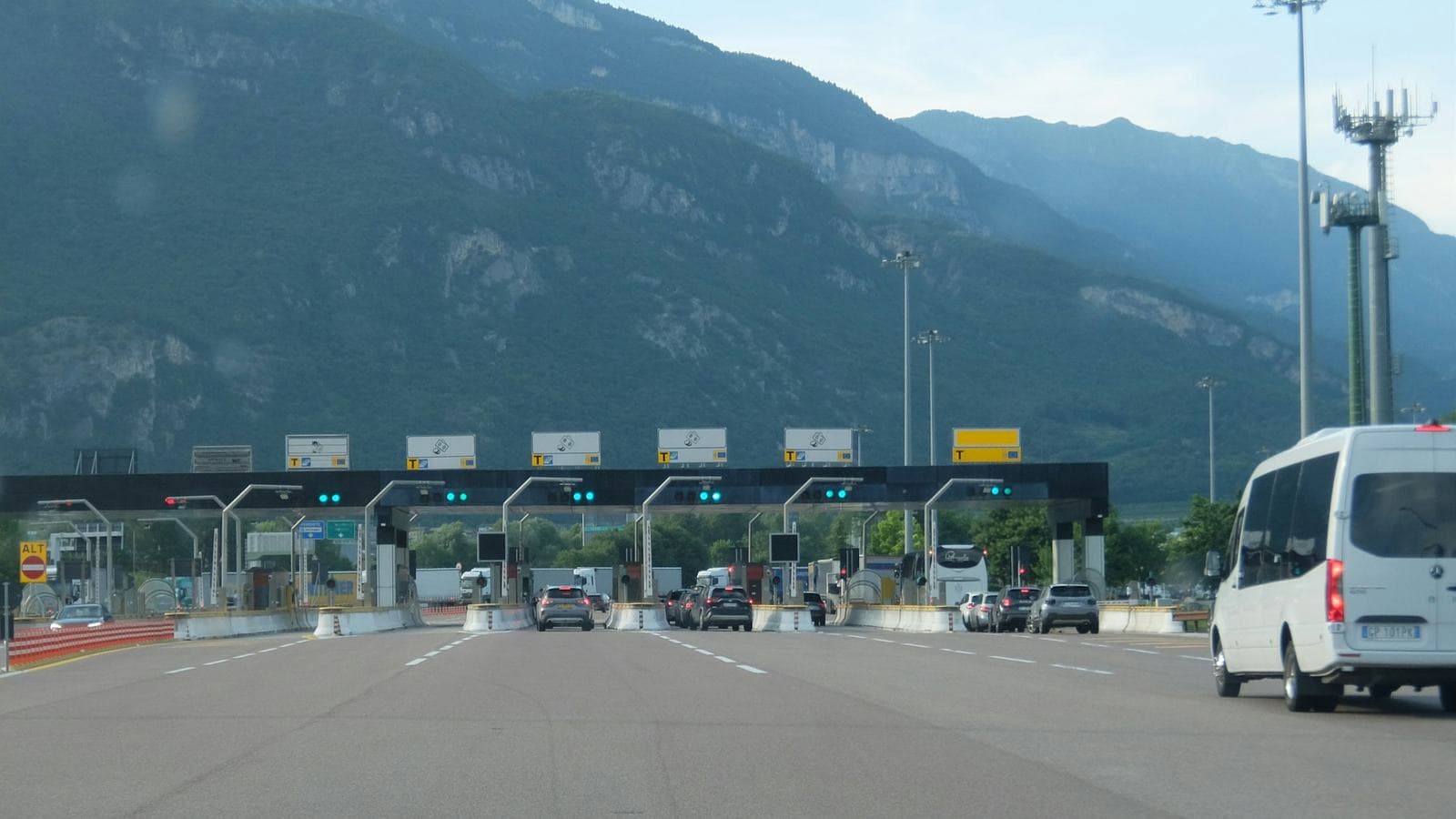
Most of us in India have lived through the same small ritual. It's a few seconds before 10 AM, the Tatkal booking window is about to open, and you're sitting with your finger over the button. The clock ticks over, you click, and the page spins. Sometimes it loads. Sometimes it doesn't. Sometimes it loads for your cousin on the other phone and not for you.
What you're watching in that moment is a fight between a huge number of people arriving at the same instant and a fixed amount of computing power waiting to receive them. Every busy website deals with some version of that fight. Exam results day, a festive sale, a product launch, a reel that suddenly goes viral and sends a few thousand people to a small shop's website in one evening.
The piece of infrastructure that decides who gets served, and by which machine, is called a load balancer. It's one of those things that most people never hear about until a website they depend on falls over. Then it becomes the most important part of the conversation.
This guide covers what a load balancer actually is, how it routes requests, the different types and algorithms, what it's good for, and where it causes trouble. I build web applications and business software for a living, and load balancing is something I either set up or deliberately decide against on most projects. So alongside the theory, I'll tell you how I think about it in practice, including when you don't need one at all.
The short answer
A load balancer is a system that sits in front of a group of servers and spreads incoming requests across them, so that no single server gets overwhelmed.
Your visitors never talk to your servers directly. They talk to the load balancer, which picks a healthy server, passes the request along, and sends the response back. To the visitor, it looks like one website at one address. Behind it, there might be two servers, or two hundred.
That one simple job gives you three big things:
- Your site stays up when a server fails, because the load balancer stops sending traffic to it and uses the others.
- You can handle more traffic by adding servers, rather than buying an ever-bigger single machine.
- You can update and maintain servers without taking the site down, by moving traffic away from each one in turn.
Everything else in this article is detail on how it does that, and the decisions that determine whether it does it well.
A Srinagar bank branch explains it better than any diagram
Think about a busy bank branch on Residency Road on the first working day of the month. Pensioners, shopkeepers depositing the weekend's cash, students paying fees. If there were one counter, the queue would run out of the door.
So the branch opens five counters. But having five counters isn't enough on its own. Somebody has to decide which customer goes to which counter, or you get the familiar scene: a crowd at counter 2 because it's nearest the entrance, and a cashier at counter 5 reading the newspaper.
Most banks solve this with a token machine. You take a token, sit down, and a screen calls "Token 47, Counter 3." That token system is a load balancer.
 A crowded airport check-in hall with travellers and luggage trolleys queued between barriers, waiting for a long row of counters. A load balancer does the job of the person who sends each traveller to the next free counter
The analogy holds up surprisingly well as you push it further:
- The counters are your servers. Each one can serve one customer at a time at a certain speed.
- The token screen is the load balancer. It decides which counter handles the next customer.
- A cashier going on lunch break is a server failing a health check. The system stops calling tokens to that counter until the cashier is back.
- A customer halfway through loan paperwork who has to return to the same officer is a sticky session. Sending them to a different counter would mean starting from scratch.
- Opening two extra counters during the month-end rush is scaling out. The token system starts using them immediately; nobody in the queue has to know.
Keep this picture in mind. Almost every concept in load balancing is a more precise version of something that happens in that bank.
How a load balancer works, step by step
Let's follow one request. Someone in Baramulla opens your online store on their phone.
1. The visitor reaches the load balancer, not a server
Your domain name points to the load balancer's address, not to any individual server. So when the phone looks up your domain and connects, it's the load balancer that answers. This is why you can add, remove or replace servers behind it without touching DNS or making visitors wait for anything to update.
2. The secure connection is often handled here
In most setups the load balancer holds your SSL certificate and does the encryption handshake with the visitor. This is called TLS termination (or SSL offloading). It means the certificate lives in one place instead of on every server, and the servers behind it don't spend effort on encryption. Traffic between the load balancer and the servers then travels over a private network, and can be re-encrypted if your security requirements call for it.
3. It picks a server
The load balancer looks at its list of servers, ignores any that are currently marked unhealthy, and chooses one using its algorithm. That might be as simple as "next one in the list" or as considered as "whichever one is responding fastest right now." We'll go through the options shortly, because the choice matters more than people expect.
4. It forwards the request and relays the response
The request goes to the chosen server, which builds the page or processes the order and sends its response back through the load balancer to the visitor. The load balancer usually adds a header such as X-Forwarded-For so the server still knows the visitor's real IP address. Without it, every request would appear to come from the load balancer itself, which quietly breaks things like rate limiting, fraud checks and analytics.
5. It keeps watching
While all this is happening, the load balancer is constantly checking whether each server is still healthy, how many connections each one has, and how quickly each is answering. The next request may go somewhere completely different.
Here's that flow in its simplest shape:
                    ┌──────────────┐
  Visitors  ──────▶ │ Load balancer│
  (one address)     └──────┬───────┘
              ┌────────────┼────────────┐
              ▼            ▼            ▼
         ┌────────┐   ┌────────┐   ┌────────┐
         │Server 1│   │Server 2│   │Server 3│  ✗ failing health check,
         └────────┘   └────────┘   └────────┘    receives no traffic
              └────────────┬────────────┘
                           ▼
                ┌────────────────────┐
                │ Shared database,   │
                │ cache, file store  │
                └────────────────────┘
Notice the box at the bottom. It turns out to be the part that decides whether load balancing works for your application at all. I'll come back to it.
Health checks: the feature that actually keeps you online
Spreading traffic evenly gets all the attention, but a load balancer is only as good as its health checks.
What actually saves you at 2 AM is the load balancer noticing that a server has stopped working and routing around it before your customers notice. That's the health check's job.
 A technician in a high-visibility vest holding a handheld diagnostic meter up to a server rack full of network ports and patch panels. Health checks are a load balancer's automated version of this routine inspection, run every few seconds on every server
There are two kinds, and good setups use both.
Active health checks. Every few seconds, the load balancer sends its own small request to each server, usually to a dedicated URL like /health, and expects a quick, successful reply. If a server fails a set number of checks in a row, it's taken out of rotation. When it passes enough checks again, it's put back.
Passive health checks. The load balancer watches real traffic. If a server starts returning errors or timing out on actual visitor requests, it's marked down for a while, even if it hasn't failed a formal check yet.
The mistake I see most often
A health check that only asks "is the server switched on?" is close to useless. A server can be running and still be broken: its database connection gone, its disk full, a dependency timing out. If /health just returns "OK" without checking anything, the load balancer will keep happily sending customers to a server that fails every single checkout.
A good health endpoint checks the things the application can't work without, quickly. Can it reach the database? Is the cache responding? It also shouldn't be so strict that one slow third-party API marks every server unhealthy at once, because then the load balancer has nowhere left to send anyone. Finding that balance is a judgement call, made per application.
Connection draining
The quieter cousin of the health check. When you remove a server on purpose, for an update or because you're scaling down, you don't want to cut off the people it's serving mid-request, particularly someone halfway through a payment. Connection draining (AWS calls it deregistration delay) stops sending new requests to that server but lets its in-progress requests finish first. It's what makes zero-downtime deployments genuinely zero-downtime.
Load balancing algorithms, and which ones matter
The algorithm is the rule the load balancer uses to pick a server. There are lots of variations, but these are the ones you'll actually meet.
| Algorithm | How it decides | Works best when |
|---|---|---|
| Round robin | Each server in turn: 1, 2, 3, 1, 2, 3… | Servers are identical and requests take roughly equal effort |
| Weighted round robin | Same, but bigger servers get proportionally more turns | Servers have different capacity |
| Least connections | Whichever server has the fewest active connections | Requests vary a lot in how long they take |
| Least response time | Fewest connections combined with fastest recent responses | Performance across servers is uneven |
| IP hash | The visitor's IP address always maps to the same server | You need a rough form of stickiness without cookies |
| Consistent hashing | Requests for the same key (user, file, cache entry) go to the same server, with minimal reshuffling when servers change | Caches and stateful services |
| Random with two choices | Pick two servers at random, send the request to the less busy one | Large fleets with many load balancers |
Round robin is fine until it isn't
Round robin is the default almost everywhere, and for a lot of simple sites it's perfectly adequate. Its weakness is that it treats every request as equal. On a real application they're not. Loading a product page might take 30 milliseconds; generating a year-end sales report might take eight seconds. Round robin will cheerfully keep handing new requests to the server that's busy grinding through three reports, because it's that server's turn.
That's why, for most of the web applications and business systems I build, I start with least connections. It naturally sends work away from whichever server is currently bogged down. It's not the cleverest option on the list, but it's predictable, easy to reason about when something goes wrong, and it handles uneven workloads without any tuning.
The two-choices trick is worth knowing about
The last row in that table looks odd. Why would random choice be a good idea? The answer comes from some elegant research into what's often called "the power of two choices": picking two servers at random and using the less busy one spreads load dramatically better than picking one at random, and nearly as well as checking every server. The advantage shows up at scale, where you have many load balancers that can't all share a perfectly up-to-date view of every server. Each one making a quick, slightly informed choice beats all of them stampeding towards whichever server looked emptiest a moment ago. NGINX, HAProxy and Envoy all support versions of it.
Layer 4 vs Layer 7: the distinction that confuses everyone
You'll see load balancers described as Layer 4 or Layer 7. The numbers come from the OSI model, a textbook way of slicing up how networks work, but you don't need the textbook. Here's the practical difference.
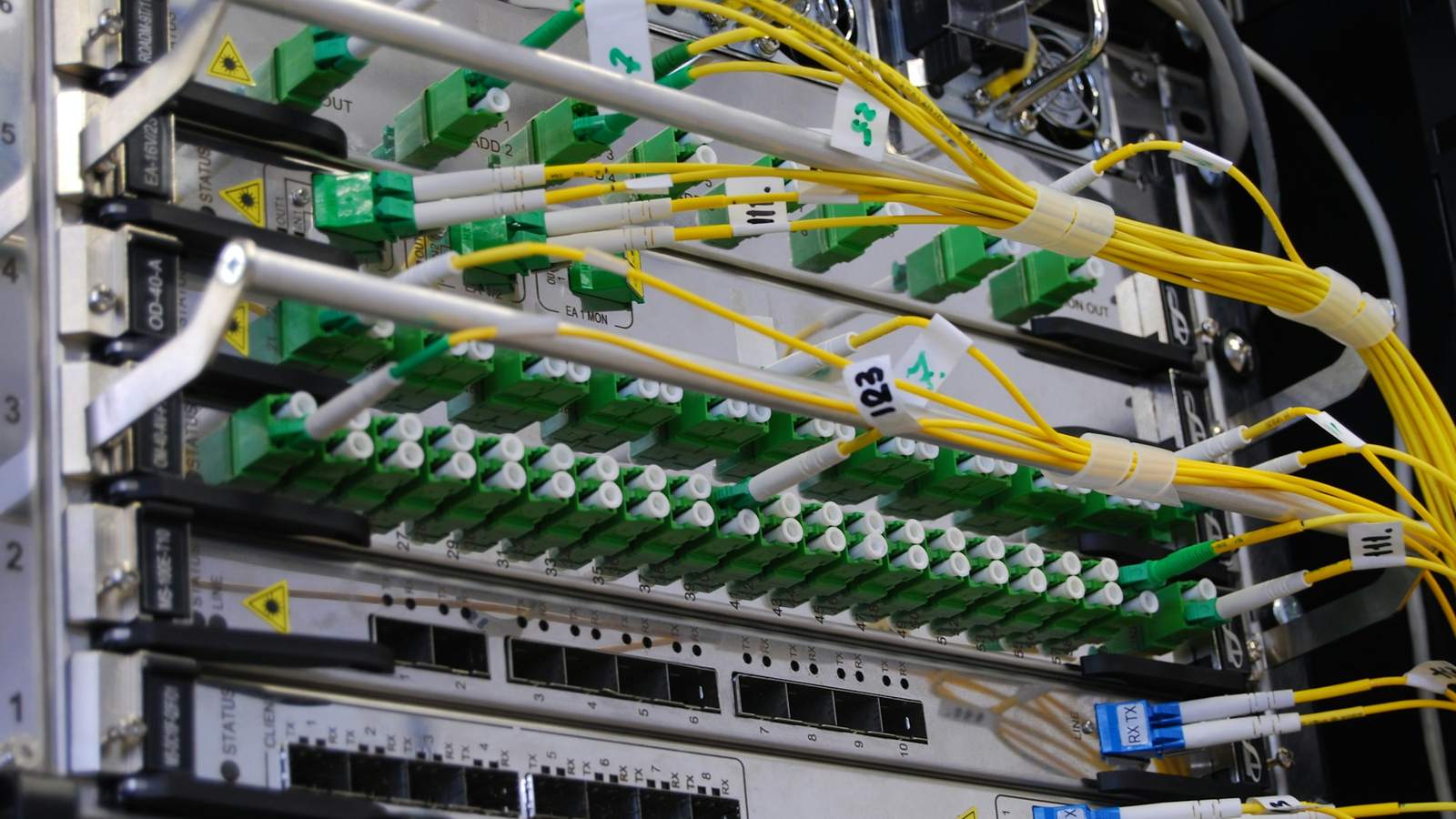 Bundles of yellow fibre optic cables plugged into rows of green connectors on rack-mounted network switches. A Layer 4 load balancer works at this level, moving connections without reading what's inside them
A Layer 4 load balancer looks at the envelope. It sees the IP address and port a connection is coming from and going to, and forwards the whole connection to a server. It never opens the letter. It doesn't know whether the visitor asked for your homepage or your checkout. Because it does so little, it's extremely fast, can handle enormous volumes, and works for any kind of traffic: websites, databases, game servers, video streams, anything that runs over TCP or UDP.
A Layer 7 load balancer reads the letter. It understands HTTP, so it can see the URL, headers, cookies and hostname, and route based on them. That opens up a lot:
- Send
/api/*to your API servers and everything else to your web servers. - Route
shop.example.comandblog.example.comto different applications from one load balancer. - Send mobile app traffic to a different pool from browser traffic.
- Redirect HTTP to HTTPS, add security headers, compress responses.
- Send 5% of users to a new version of your site to test it before rolling it out to everyone.
The trade-off is that reading every request takes more work, so Layer 7 is a little slower per request and needs more resources at very high volume. For almost every business website, web app and SaaS product, that cost is irrelevant, and Layer 7 is what you want.
In AWS terms, which is where many people first meet this distinction: the Application Load Balancer is Layer 7, and the Network Load Balancer is Layer 4. Azure splits it similarly between Application Gateway and Azure Load Balancer.
The types of load balancer
"Type" gets used to mean several different things, so here they are grouped by how they're actually built and deployed.
Hardware load balancers
Dedicated physical appliances from vendors such as F5 and Citrix, racked in a company's own data centre. For a long time, this was the only serious option, and banks, telecoms and large enterprises still run plenty of them. They're very fast and very capable, and also expensive, slow to scale (you buy another box), and need specialists to run. Unless you're running your own data centre, you're unlikely to need one.
Software load balancers
The same job, done by software running on ordinary servers. These run a huge share of the internet:
- NGINX: a web server and reverse proxy that most developers have touched at some point, and a very capable load balancer.
- HAProxy: purpose-built for load balancing, famously efficient, used by some of the busiest sites on the web.
- Envoy: designed for modern microservice architectures and the engine underneath many service meshes.
- Traefik and Caddy: newer, with automatic HTTPS and easy configuration, popular with container-based setups.
To give you a sense of how approachable this is, here's a working NGINX setup that spreads traffic across three application servers using least connections, takes a server out after repeated failures, and keeps a fourth in reserve:
upstream app_servers {
    least_conn;
    server 10.0.0.11:3000 max_fails=3 fail_timeout=30s;
    server 10.0.0.12:3000 max_fails=3 fail_timeout=30s;
    server 10.0.0.13:3000 max_fails=3 fail_timeout=30s;
    server 10.0.0.14:3000 backup;   # only used if the others are down
}

server {
    listen 443 ssl;
    server_name example.com;
    # ssl_certificate and ssl_certificate_key go here

    location / {
        proxy_pass http://app_servers;
        proxy_set_header Host $host;
        proxy_set_header X-Forwarded-For $proxy_add_x_forwarded_for;
        proxy_set_header X-Forwarded-Proto $scheme;
    }
}
Twenty lines. The hard part of load balancing is rarely the configuration. It's everything around it, which is what the rest of this article keeps coming back to.
One caveat about that example: the free version of NGINX only does passive health checks, the max_fails kind. Active health checks are part of the paid NGINX Plus, or you can use HAProxy, which includes them for free.
Cloud load balancers
Managed services where your cloud provider runs the load balancer for you: AWS Elastic Load Balancing, Google Cloud Load Balancing, Azure Load Balancer and Application Gateway, DigitalOcean Load Balancers, and similar offerings from almost every host.
You don't patch them, you don't worry about them failing (the provider runs them redundantly), and they scale up automatically when traffic rises. You pay for that, usually an hourly charge plus a usage-based component, and you accept the provider's feature set. For most businesses running on a cloud platform, this is the right choice by a wide margin. If cloud hosting itself is still unfamiliar ground, my guide to what cloud computing actually is covers the basics.
DNS and global load balancing
Everything above balances traffic within one location. Global server load balancing (GSLB) balances between locations: a data centre in Mumbai and one in Frankfurt, say. It usually works through DNS, answering each visitor's lookup with the address of the nearest healthy region, or through anycast routing, where the same address is announced from many places at once.
This is how large services stay up when an entire data centre or cloud region fails, and it's closely related to how content delivery networks route visitors to their nearest server. I covered that side of things in what is a CDN server and how does it work?. Plain DNS round robin, where a domain simply lists several server addresses, is the crudest version: it spreads traffic, but it has no idea whether any of those servers is actually working.
Platform-managed load balancing
Worth a mention because it's how many modern sites get load balancing without anyone setting it up. Platforms such as Vercel, Netlify, Cloud Run and Heroku-style hosts run your code on as many instances as traffic requires and balance requests across them automatically. This website works that way. You don't see a load balancer in a dashboard because it's simply part of the platform.
The real benefits, without the brochure language
The list of benefits in most articles reads like a vendor's product page. Here's what each one actually means for a business.
You stop having a single point of failure
With one server, every problem is an outage. A memory leak, a bad update, a disk filling up with logs, the hosting company rebooting a machine for maintenance. With two or more servers behind a health-checked load balancer, one of those problems becomes a non-event that you read about in a log the next morning.
This matters most for anything people rely on to do their jobs: a clinic's appointment system, a school's fee portal, a distributor's ordering app. A brochure website being down for twenty minutes is embarrassing. An inventory system being down during the busiest hour of a trading day costs real money.
You scale by adding, not by replacing
Without a load balancer, the only way to handle more traffic is to move to a bigger server, called vertical scaling. It works for a while, it usually means a migration and some downtime, and eventually you hit the biggest machine available or one that costs more than it's worth.
With a load balancer, you can scale horizontally: add another server of the same size. In the cloud, this can be automatic, with new servers added when traffic climbs and removed when it drops. You pay for capacity when you need it rather than paying all year for the one busy week of Eid shopping.
 A packed multi-lane highway at sunset, both directions filled with cars heading towards a distant bridge. Traffic spikes on a website look a lot like this, and a load balancer with room to add servers is what keeps it moving
Deployments stop being scary
This is the benefit business owners rarely ask about and developers value most. With several servers behind a load balancer, you can update them one at a time: drain traffic from one server, update it, check it, put it back, move to the next. Visitors never see a maintenance page.
You can go further, too. Blue-green deployments run the new version alongside the old one and switch the load balancer over in one step, with the ability to switch straight back if something's wrong. Canary releases send a small slice of real traffic to the new version first, and only expand it once the error rates look normal.
If you've ever been told "we'll update the site late at night in case anything goes wrong," a setup like this is what makes that unnecessary.
Security gets a front door
Because every request passes through the load balancer, it's a natural place for protection. Certificates are managed in one place. Your servers can sit on a private network with no public address at all, which removes a whole category of attacks. Most cloud load balancers integrate with a web application firewall to block common attacks before they reach your code, and they absorb many kinds of traffic floods that would knock a single server offline.
Performance becomes more consistent
A load balancer doesn't make any individual server faster. What it does is keep each server working within its comfortable range, so response times stay steady instead of collapsing whenever traffic rises. For visitors, consistency is most of what "fast" means. A site that's quick at 11 AM and crawls at 8 PM, which is exactly when many people in Kashmir browse and shop, feels slow, whatever its best-case speed.
Real use cases
Here's where load balancers earn their place, and what they're doing in each case.
Online stores during sales and festivals. Traffic for an e-commerce business is rarely steady. It climbs sharply around Eid, Diwali, wedding season, and whenever a campaign or an influencer post lands. Load balancing with auto-scaling lets the store add capacity for those peaks and shed it afterwards. If you're planning a store, my guide to e-commerce website development in Kashmir covers the other things that matter.
SaaS products and business software. When dozens or hundreds of businesses run their daily operations on your platform, an outage isn't one unhappy visitor, it's every client's shop or office stopped at once. Redundant servers behind a load balancer are part of the basic promise of a subscription product.
APIs behind mobile apps. A mobile app is usually a thin layer over an API, and when the app is busy, the API takes all of it. Load balancing that API, often with separate pools for different kinds of requests, is standard for any app with a real user base. It's a big part of what I plan for in mobile application development.
Booking, results and registration portals. Anything where a large number of people arrive at a predictable moment: exam results, admissions, ticket releases, government scheme registrations. These are the classic cases of a site that's quiet for eleven months and then needs ten times its normal capacity for three days.
Microservices. In larger systems split into many small services, load balancing happens between services as well as at the front door. A request for an order page might pass through several internal load balancers before it's finished. At the very large end, this is how platforms built for enormous message volumes operate, which I explored in how WhatsApp handles millions of messages.
Databases and caches. Load balancers also spread read queries across database replicas, and consistent hashing decides which cache server holds which data. This is more specialised, but it's the same idea pointed at a different layer.
The part nobody mentions: your application has to be ready
Here's where I'd like to save you some money and a bad weekend.
Putting a load balancer in front of an application that wasn't built for it often makes things worse. Remember the box at the bottom of the diagram, the shared database, cache and file store? If your application keeps important things on the server's own disk or in its own memory, then as soon as there's more than one server, those things exist on one machine and not the others.
 Close-up of a rack of blade servers with rows of drive bays and small green status lights glowing in the dark. Behind a load balancer, every one of these servers has to be interchangeable, holding nothing that the others don't also have access to
These are the problems I most often find when someone asks me why their "scaled" site is behaving strangely:
- Users keep getting logged out. Login sessions are stored in server memory. The visitor logs in on server 1, their next click goes to server 2, which has never heard of them.
- Uploaded files go missing. A product photo is saved to server 2's disk. Visitors routed to server 1 or 3 see a broken image.
- Shopping carts empty themselves, for the same reason as the logins.
- Scheduled jobs run three times. The nightly invoice email is set up as a cron job on each server, so every customer gets it once per server.
- Caches disagree. One server shows the new price, another still shows yesterday's.
The quick fix people reach for is sticky sessions: the load balancer sets a cookie and keeps sending each visitor to the same server. It does make the symptoms go away, but it weakens everything you set up load balancing for. If that server dies, everyone stuck to it loses their session anyway, and traffic stops spreading evenly because the stickiness overrides the algorithm.
The proper fix is to make the servers stateless: interchangeable machines that hold nothing important of their own.
- Sessions and carts go in a shared store such as Redis or the database, or into signed tokens.
- Uploads go to object storage such as Amazon S3 or Cloudflare R2, not to local disk.
- Scheduled jobs run in one place, through a job queue or a scheduler that guarantees a single run.
- Caches are shared, or are allowed to disagree only briefly and harmlessly.
When I built Kapda Stock, a multi-tenant SaaS for textile businesses, this was a deliberate design choice from the start. As one example, when a user signs out, their access tokens are revoked in Redis rather than in any one server's memory. That way the "you're signed out" decision is the same no matter which server answers the next request. It's a small detail, but it's exactly the kind of decision that lets an application grow from one server to several without a rewrite.
This is also why I'd rather know early whether a project might need to scale. Building an application stateless from day one costs almost nothing extra. Retrofitting it into an older codebase built around local files and in-memory sessions can be a substantial project.
Load balancer vs reverse proxy vs CDN vs API gateway
These four overlap heavily, and the same software can often play several of the roles. Here's how I'd separate them.
| Main job | Sits where | Typical example | |
|---|---|---|---|
| Load balancer | Spread requests across several servers and route around failures | In front of a group of servers | AWS ALB, HAProxy |
| Reverse proxy | Receive requests on behalf of a server; handle TLS, caching, compression | In front of one or more servers | NGINX, Caddy |
| CDN | Serve cached copies of content from locations close to visitors | Worldwide, in front of everything | Cloudflare, CloudFront |
| API gateway | Manage APIs: authentication, rate limits, keys, versioning | In front of API services | AWS API Gateway, Kong |
A useful way to think about it: every load balancer is a kind of reverse proxy, but not every reverse proxy balances load. And a large site often uses all four at once. A visitor's request hits the CDN first, which forwards anything it can't serve from cache to a load balancer, which sends API calls through a gateway to a pool of servers.
Does your business need a load balancer?
Honest answer: many small business websites don't need one, at least not one they manage themselves.
 A row of server cabinets with orange patch cables and status displays glowing, a doorway open at the far end of the room. Whether you need this kind of setup depends far more on how the business depends on the site than on how many visitors it gets
You probably don't, if…
- Your site is a brochure or blog with modest traffic, and a short outage would be inconvenient rather than costly.
- It's built on a modern platform that already scales and balances for you. Sites deployed to Vercel, Netlify or similar get this automatically.
- It's mostly static and sits behind a CDN, which already absorbs the bulk of the traffic.
For a site like that, a load balancer adds cost and moving parts without solving a problem you actually have. Spending the same money on a faster, lighter site will do more good. If speed is your actual concern, start with why is my website slow?, because a load balancer won't fix oversized images or a bloated theme.
You probably do, if…
- Downtime costs you money or trust directly: an online store, a booking engine, a SaaS product, a system staff use all day.
- Your traffic has sharp peaks that one server can't absorb, from campaigns, seasons, or predictable rush moments.
- You're running on your own servers or virtual machines (a VPS, EC2 instances, a dedicated server), rather than a platform that handles scaling.
- You deploy often and want updates without downtime.
- Clients or partners expect an uptime commitment in a contract.
- Your single server is already working hard on an ordinary day.
Signs you're overdue
If you're nodding along to any of these, it's time for a conversation about architecture rather than another server upgrade:
- The site slows or errors whenever you run an ad campaign or send a newsletter.
- Every update needs to happen late at night "just in case."
- Your hosting company has already moved you up two or three plan sizes.
- One server going down means calling the developer and waiting.
- You've had to tell a customer "the system is down" more than once this year.
For bespoke systems like inventory, ERP and client portals, this sits alongside a wider set of questions I cover in signs your business needs custom software.
Common mistakes that cause outages anyway
A load balancer gives you resilience. These are the ways people quietly give it back.
- Running a single load balancer on its own server. You've removed the single point of failure from your application servers and created a new one in front of them. Self-managed setups need a pair, usually with a floating IP address that moves to the standby if the main one fails. Managed cloud load balancers handle this for you, which is a big part of their value.
- Shallow health checks, as covered above, that report healthy servers which can't actually serve customers.
- Health checks that are too sensitive, so one slow dependency marks every server down at once and the load balancer has nowhere left to send anyone.
- Forgetting the real visitor IP, breaking rate limiting, fraud checks, logs and analytics, because every request appears to come from the load balancer.
- Leaving servers reachable directly, so attackers bypass the load balancer and its firewall entirely by hitting a server's public IP address.
- No connection draining, so every deployment cuts off a few customers mid-checkout.
- Timeouts that don't match. If the load balancer gives up after 60 seconds but a report legitimately takes 90, users get an error for work that actually succeeded.
- Never testing failure. The first time a server dies shouldn't be the first time anyone checks what happens. Switch one off deliberately, at a quiet time, and watch.
How I approach this on client projects
Since this is the work I do, here's how load balancing fits into the projects I take on. It may help you judge any developer's approach, mine included.
I start with the business requirement, not the architecture. How bad is an hour of downtime? When does traffic peak, and by how much? Who uses the system, and when? A clinic's patient management system and a café's menu website have very different answers, and they deserve different infrastructure. Plenty of projects end up on a managed platform where scaling is built in, and I'd rather explain why a client doesn't need extra infrastructure than bill for it.
Applications are built stateless from the start, whether or not they'll ever run on more than one server. Sessions, files, scheduled jobs and caches live in shared services. It costs almost nothing up front and leaves room to grow without a rewrite.
When load balancing is needed, it's set up properly. Health checks that test what actually matters, connection draining, real visitor IPs passed through, servers kept off the public internet, and a failure test before launch, not after the first incident.
Deployments are designed to be uneventful. Rolling or blue-green releases, so updates happen during the working day without a maintenance page.
That's the approach behind the web applications and custom business software I build. You can see the range of systems in my portfolio, including SaaS platforms like Blippi, and the detailed write-ups in the case studies.
If you're running a site or system that's starting to struggle under its own success, or you're planning one and want it built to grow, tell me about it. I'll look at what you have and tell you plainly whether you need load balancing now, later, or not at all. Often the most useful thing I can say is "not yet, and here's what to fix first."
Frequently asked questions
What is a load balancer in simple terms? A load balancer is a system that receives all the traffic coming to a website or application and shares it out across several servers. It makes sure no single server gets overloaded, and it stops sending traffic to any server that stops working, so visitors keep getting a working site.
How does a load balancer work? Visitors connect to the load balancer's address instead of a server's. For each request, the load balancer picks a healthy server using an algorithm such as round robin or least connections, forwards the request, and returns the server's response to the visitor. It continuously runs health checks to know which servers are available.
What are the main types of load balancers? By how they're built: hardware appliances, software load balancers such as NGINX and HAProxy, and managed cloud load balancers from AWS, Google Cloud, Azure and others. By what they inspect: Layer 4 load balancers route connections by IP address and port, while Layer 7 load balancers read HTTP requests and can route by URL, hostname, headers or cookies. Global load balancers route traffic between whole regions or data centres.
What is the difference between Layer 4 and Layer 7 load balancing?
Layer 4 load balancing works on network connections without reading their contents, which makes it extremely fast and suitable for any kind of traffic. Layer 7 load balancing understands HTTP, so it can make decisions based on what the visitor is asking for, like sending /api requests to one group of servers and everything else to another. Most websites and web applications benefit from Layer 7.
Which load balancing algorithm is best? There isn't one best algorithm. Round robin works well when servers are identical and requests are similar. Least connections handles requests of varying length better, which is why it's a sensible default for most web applications. Hash-based methods are used when the same user or data needs to reach the same server.
Is a load balancer the same as a reverse proxy? They overlap. A load balancer is a type of reverse proxy whose main job is spreading traffic across several servers. A reverse proxy can sit in front of a single server just to handle encryption, caching or compression. Software such as NGINX can act as either, or both at once.
Does a load balancer make a website faster? Not directly. It doesn't speed up individual pages, but it keeps response times steady under heavy traffic by preventing any server from becoming overloaded. If a site is slow even with few visitors, the cause is usually in the site itself: large images, heavy scripts, or slow database queries.
What are sticky sessions? Sticky sessions make the load balancer send each visitor to the same server for their whole visit, usually by setting a cookie. They're a workaround for applications that store login sessions or carts on individual servers. They work, but they reduce the benefits of load balancing, so it's better to store session data in a shared place like Redis or a database.
Can a load balancer itself fail? Yes, if it runs on a single machine. Self-managed setups use two load balancers with automatic failover between them. Managed cloud load balancers are run redundantly by the provider, which is one of the main reasons to use them.
Does a small business website need a load balancer? Often not. A brochure site or blog with modest traffic, especially one on a modern hosting platform or behind a CDN, rarely needs a dedicated load balancer. It becomes worthwhile when downtime costs real money, traffic has big peaks, or the business runs online stores, booking systems or software that customers and staff depend on every day.
Built to stay up
For all the jargon, load balancing is an old idea. It's the token screen at the bank, the extra counters opened at month-end, the cashier who's quietly taken off the rota when they're unwell. Spread the work out, keep an eye on who's able to take it, and never let one person's bad day become everyone's queue.
The load balancer itself is the easy part. The real work is in everything around it: health checks that test what matters, an application whose servers are truly interchangeable, deployments that don't need a maintenance page, and an honest assessment of whether you need any of it yet.
If your website or app is heading towards the point where one server isn't enough, or you're planning something that has to be reliable from the first day, whether it's an online store, a SaaS product or a custom web application, ask for a quote. I'll tell you what your project actually needs, and what it doesn't.
Owais Noor
Full-Stack Developer & Digital Marketer, based in Srinagar. I write about building fast, useful websites and software — and getting them found.